What's new
Report a bug or suggest an idea from inside Nextdot
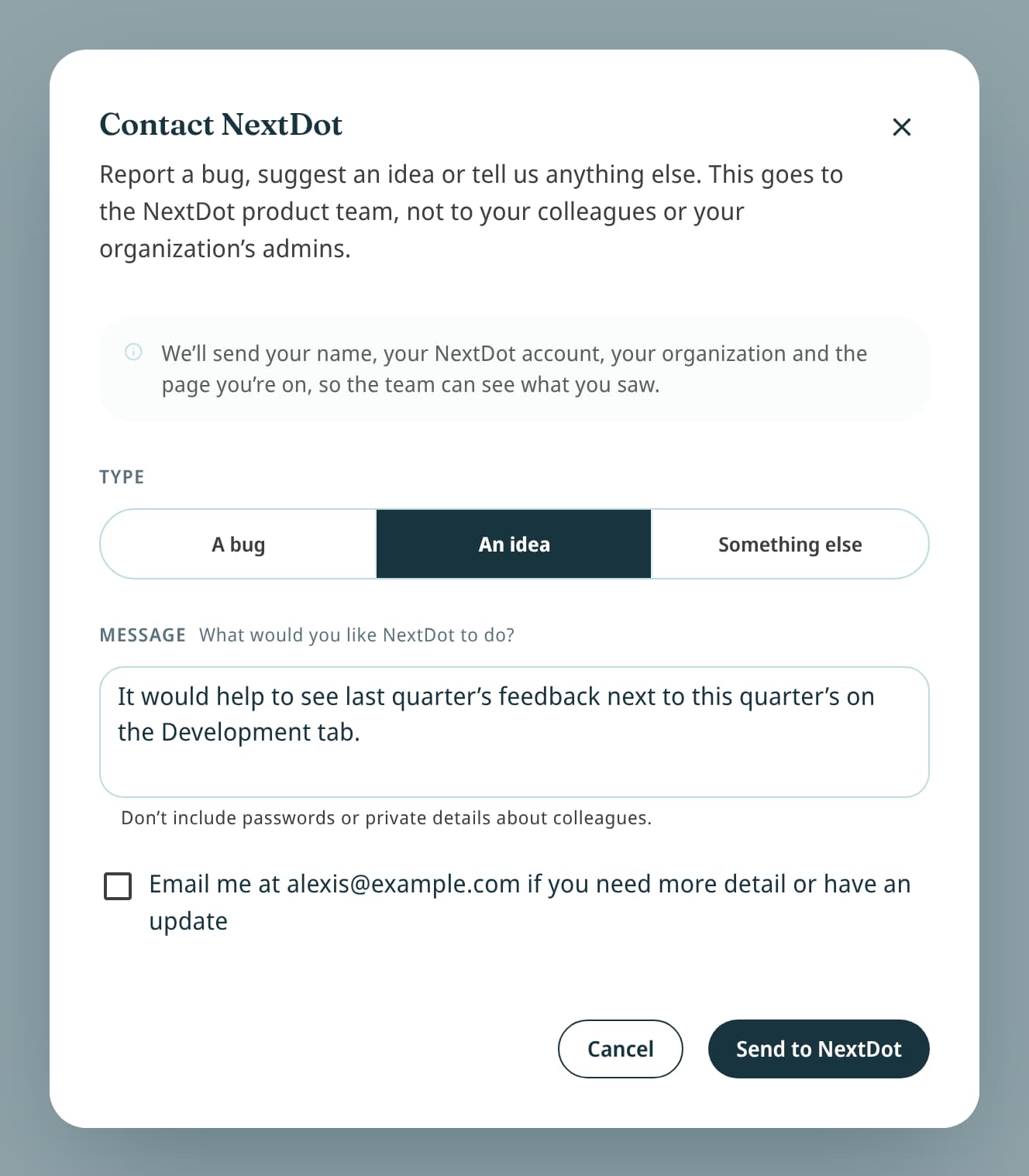
Contact Nextdot sends a bug report, an idea or anything else straight to the product team, without leaving the page you are on.
How it works
Open Contact Nextdot from the foot of the side navigation, from your account menu, or from the foot of any reporting page. Say whether it is a bug, an idea or something else, and write your message.
Who reads it
Your message goes to the Nextdot product team, not to your colleagues or your organization's admins. The team reads every message.
- For a bug, you can include a recording of your recent activity, so the team sees what happened.
- You choose whether the team may email you when they need more detail or have an update.
And a few more
- Since 19 November, a Contact Nextdot link also sits at the foot of every reporting and administration page.
- An unsent message is kept as a draft, so closing the dialog never loses what you wrote.