What's new
Manage your organization through the Nextdot API
· For admins
Admins can now create an API key for their organization and keep teams, members, roles and invitations in step with the systems they already run.
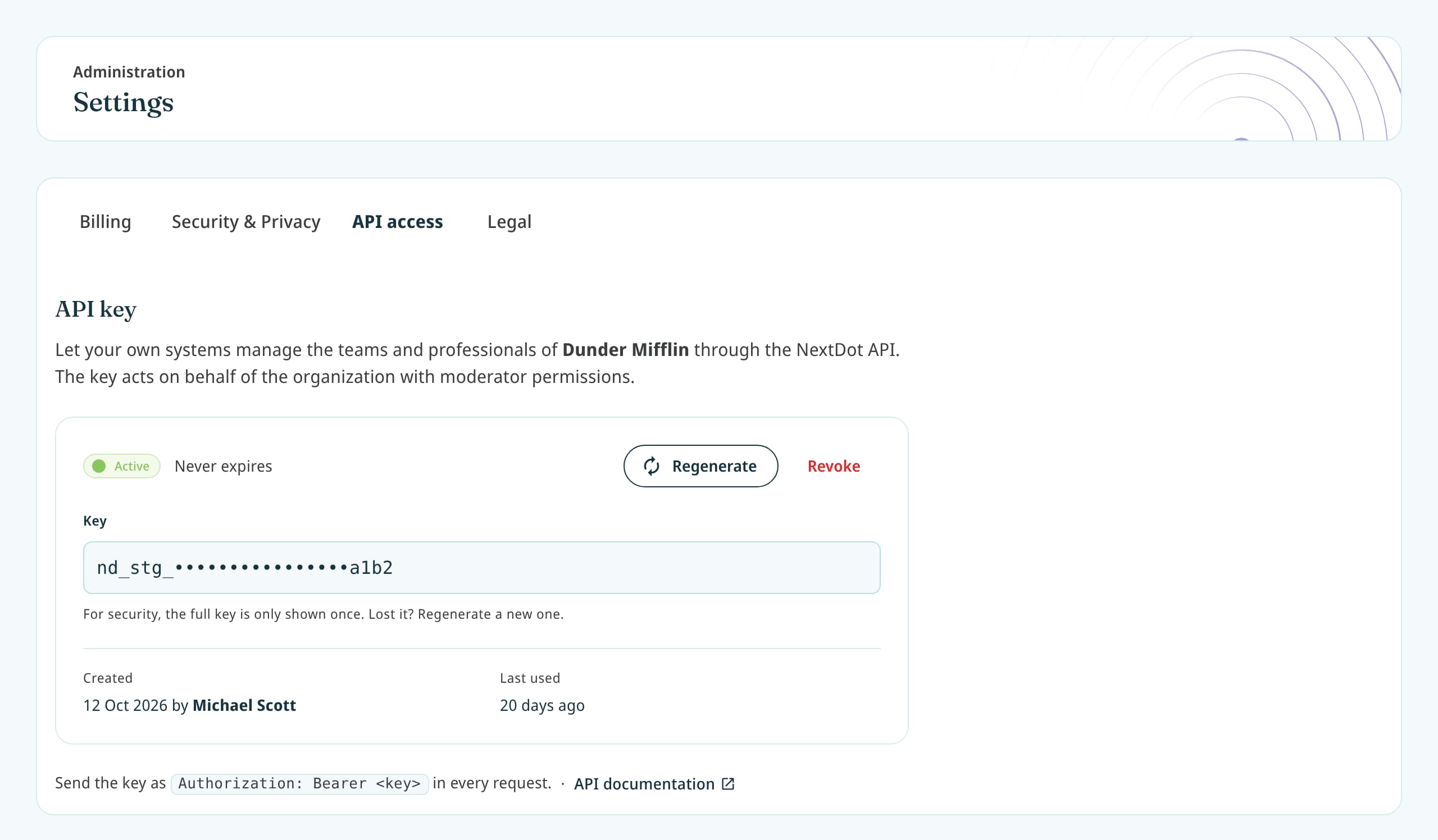
One key per organization
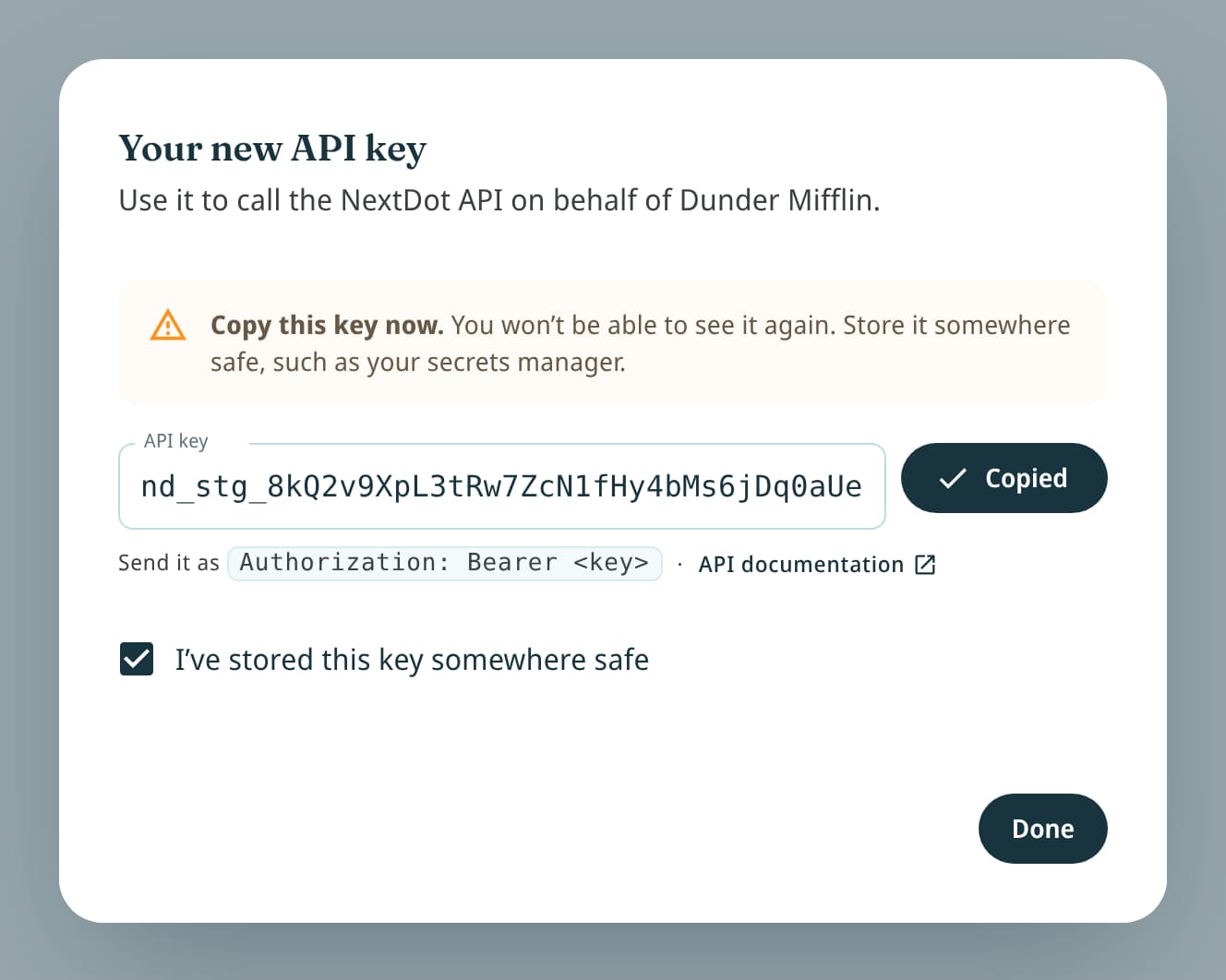
Settings › API access lets admins and moderators generate the organization's key, regenerate it, or revoke it. The key is shown once, when it is created, and stored only in a form that can't be read back.
What the API can do
- List, create, edit and remove teams, and add or remove their members and team admins.
- List members, invited and imported people, and look a professional up by email.
- Send and withdraw invitations, including to people an import brought in.
- Assign job roles and organization roles, and set team-level roles.
The key acts for the organization with a moderator's permissions, and every request is recorded for audit. The settings page links to the API documentation.