What's new
Start with your work history already on record
· For admins and professionals
Connect the tools your teams work in, and Nextdot imports their history: people, dots, feedback, job roles and proposed goals, ready for the first review.
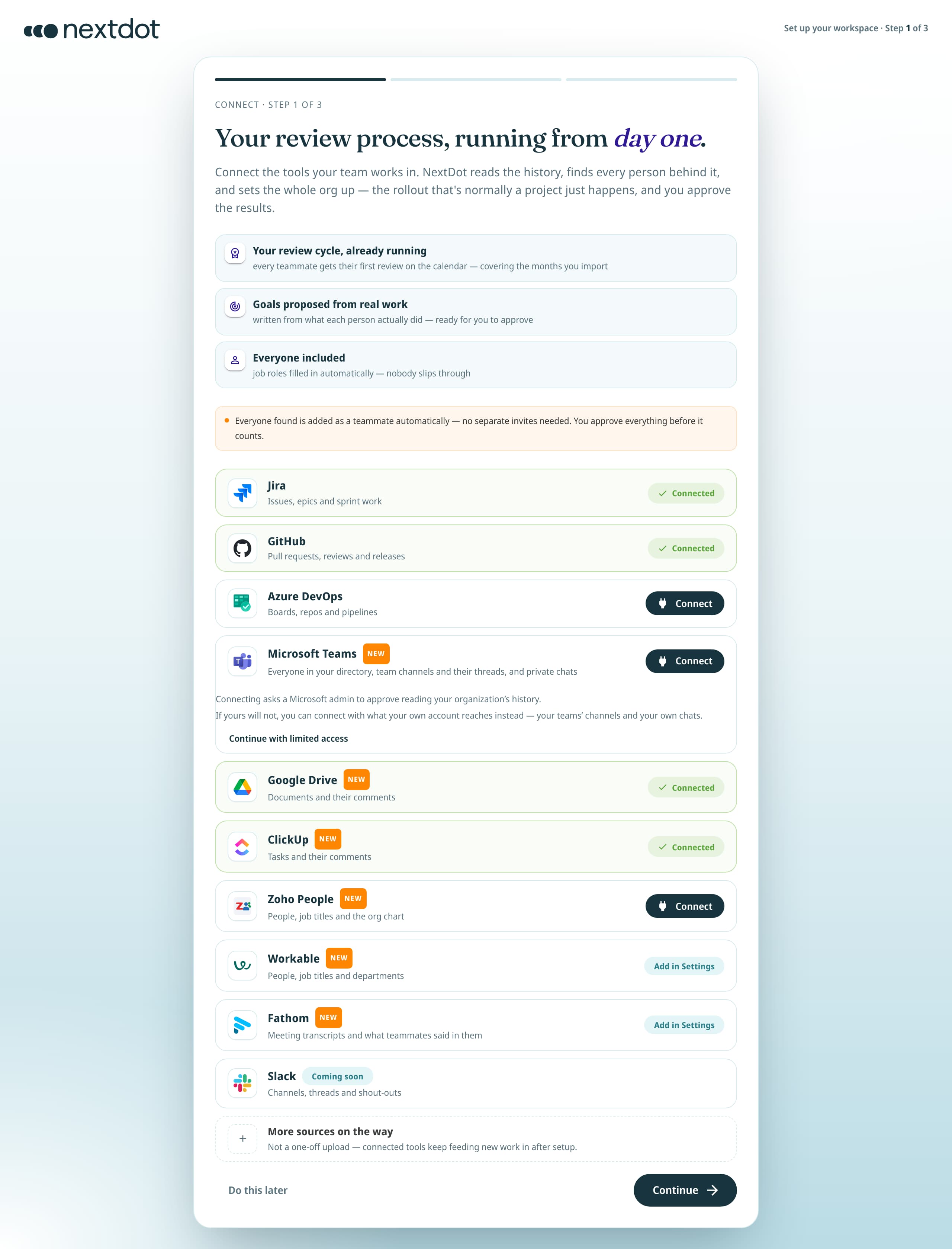
Set up from the tools you use
While setting up an organization, an admin connects the tools the team works in and chooses how far back to look. Nextdot reads that history and sets up the people, their dotsDot: Work worth talking about — time-bound, owned by whoever's doing it, open for conversation while it happens. and the feedback around them, their job roles, and goals proposed from the work. Performance reviews start covering the imported period.
Each person keeps what is theirs
- Imported work stays anonymous until the person it belongs to claims it.
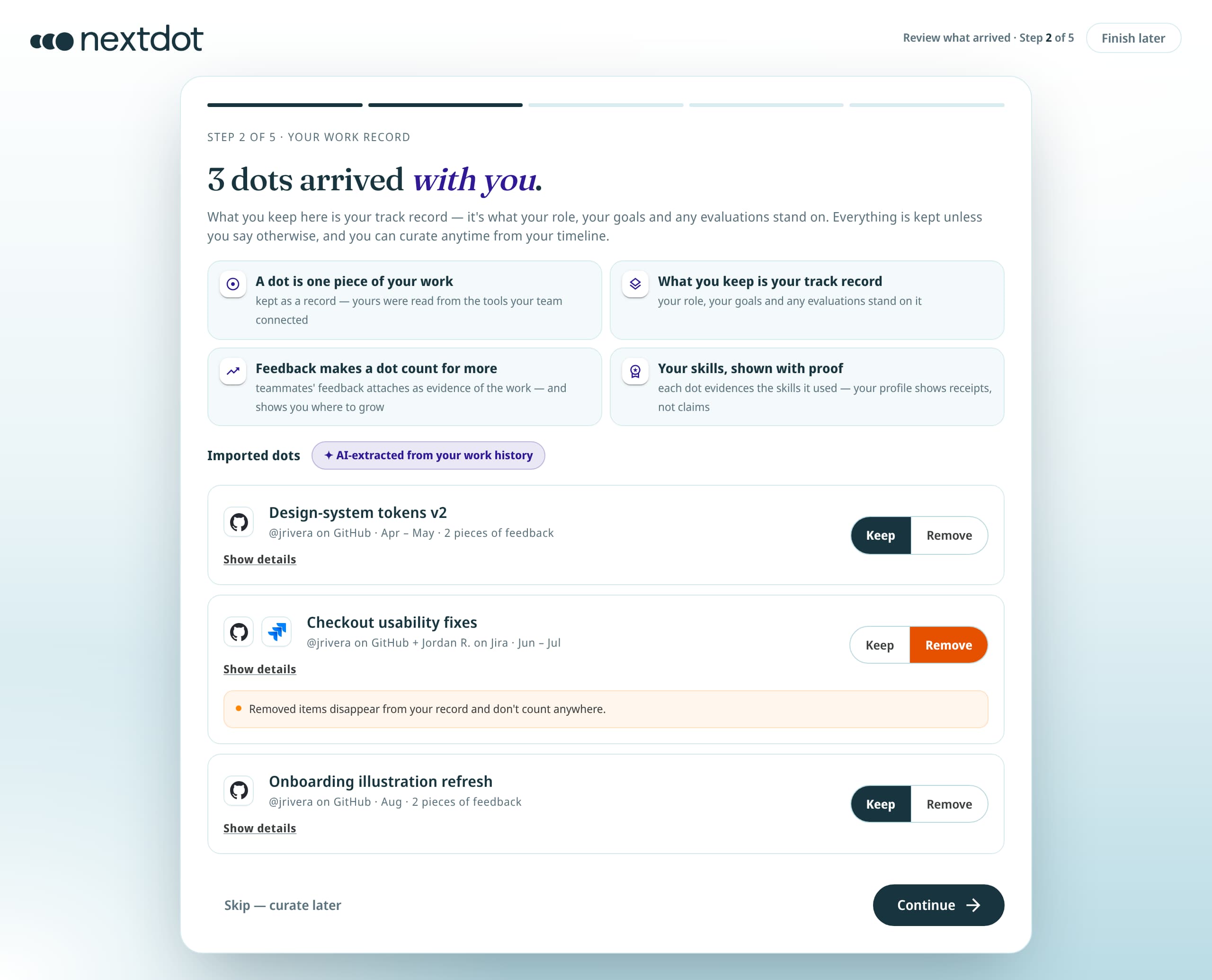
- Each person goes through what arrived in their name and keeps or removes each item, then chooses who sees it. Only kept items count.
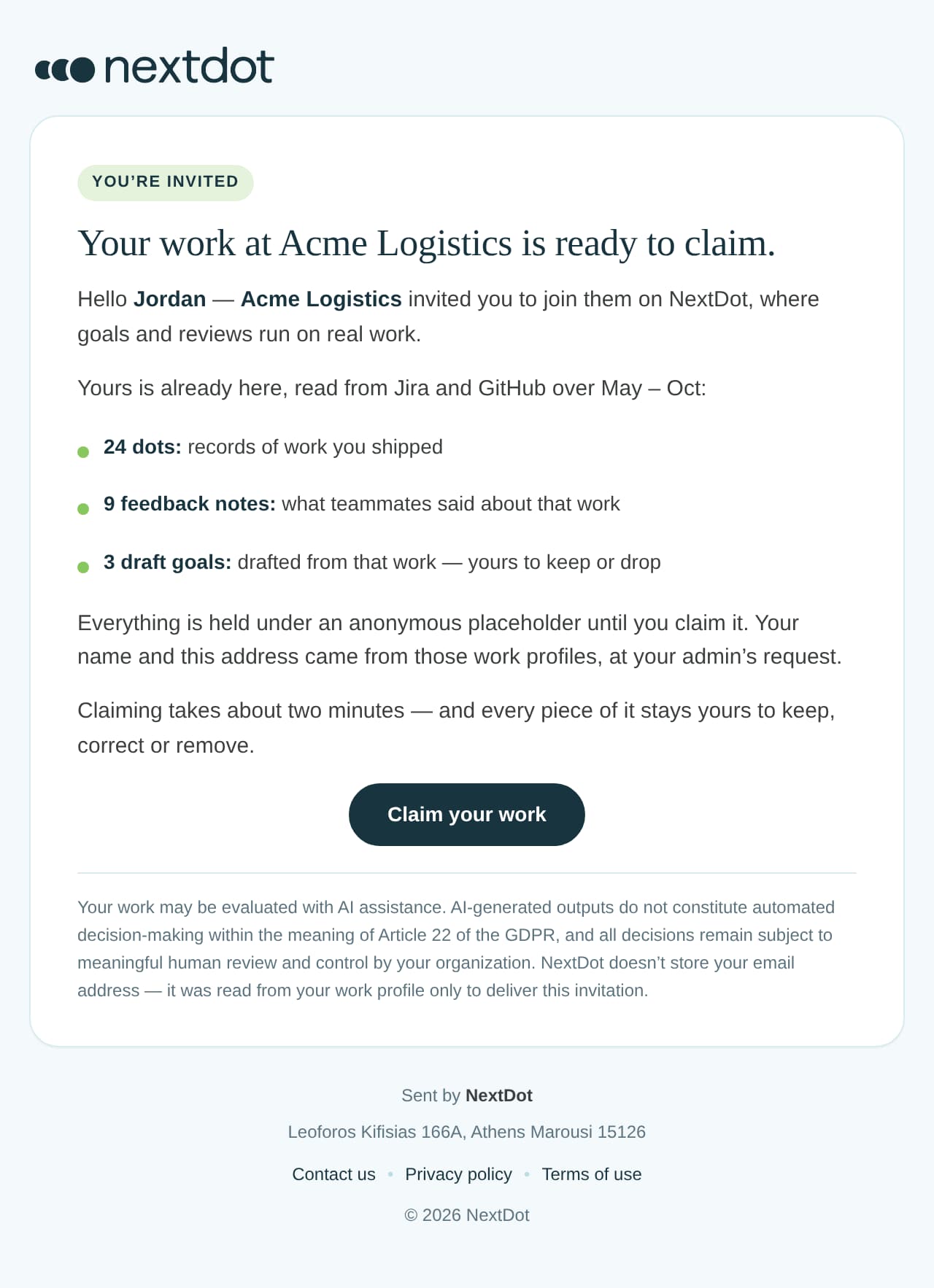
- People an import found but who aren't members yet are listed for admins, who can invite them. Their invitation says what is waiting for them.
- Imported dots link back to the ticket, pull request, document or meeting they came from, and a later import updates them instead of duplicating them.
And a few more
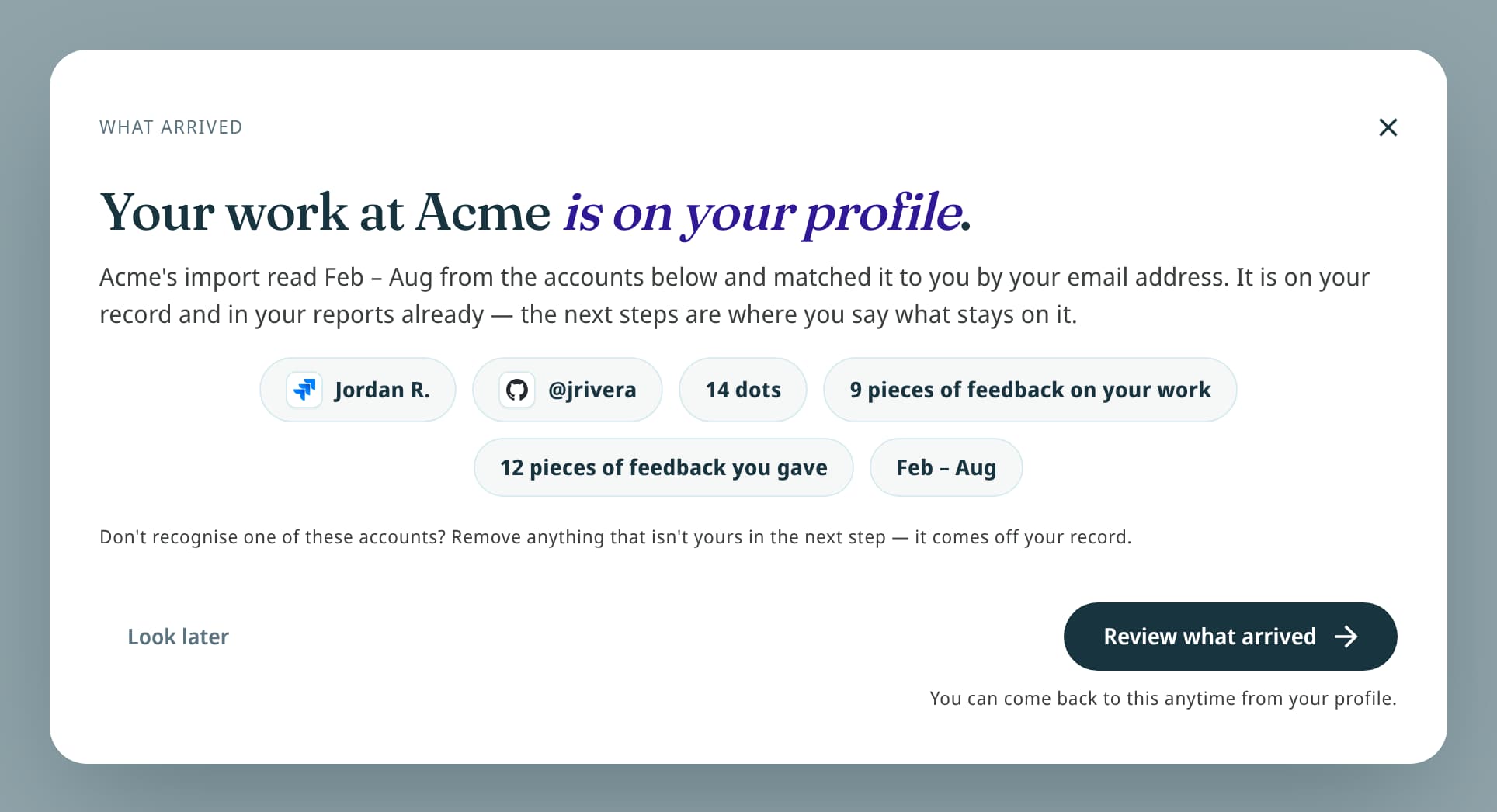
- New imported work is announced over the page you are on, with a link to review what arrived.
- The integrations page shows who started the latest import.