What's new
A private assistant for your development
· For professionals
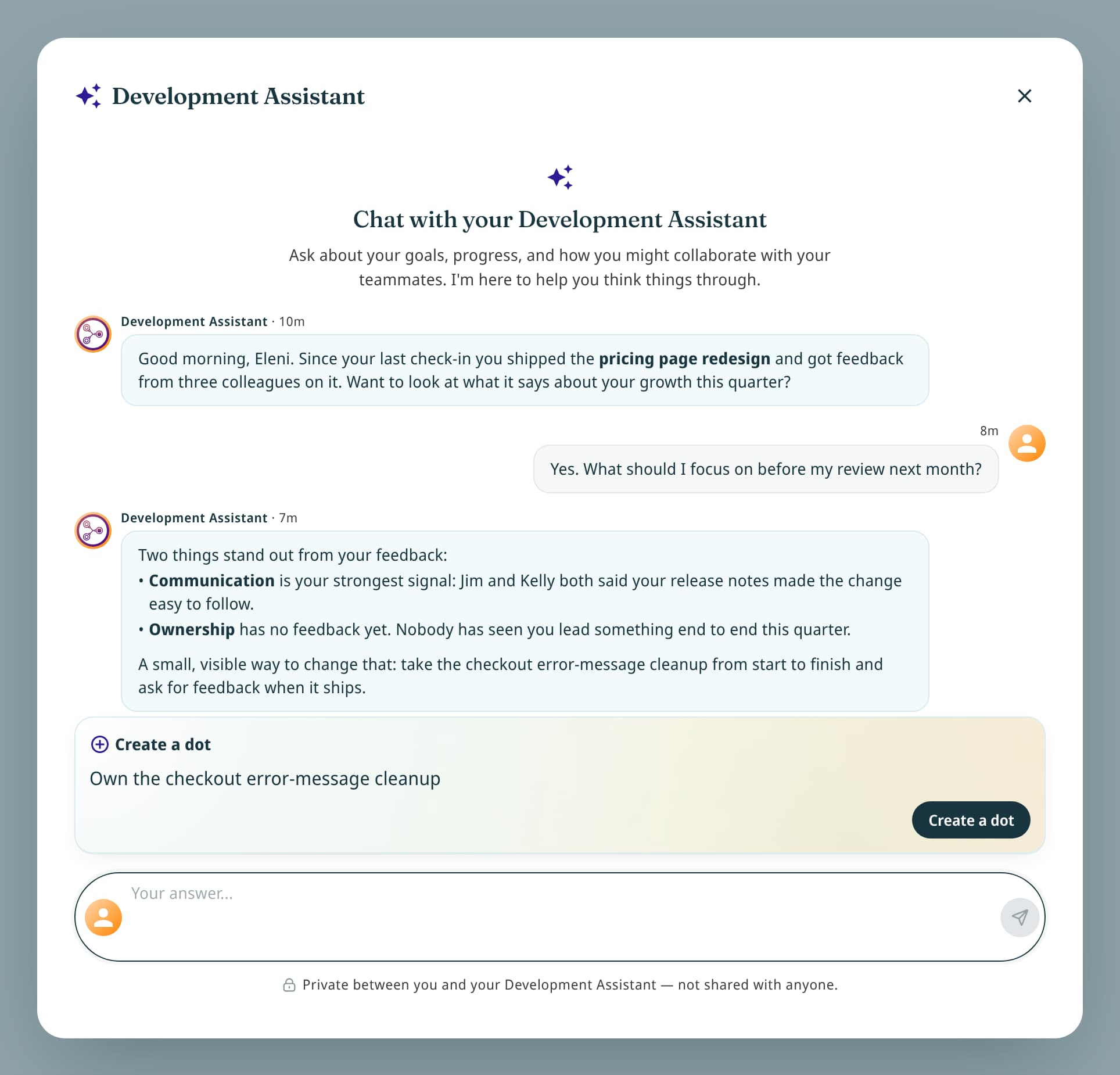
Ask the Development Assistant what to focus on next. It reads your recent work and feedback, and only you see the conversation.
Grounded in your own work
The Development Assistant, on your home page and your profile, reads your recent dotsDot: Work worth talking about — time-bound, owned by whoever's doing it, open for conversation while it happens., goals and feedback, and those of your team, and helps you decide what to work on next. It can suggest one thing to do: give a colleague feedback, start a new dot, or start a 1:1 with your leader.
Conversations are private: no one else in the organization sees them.
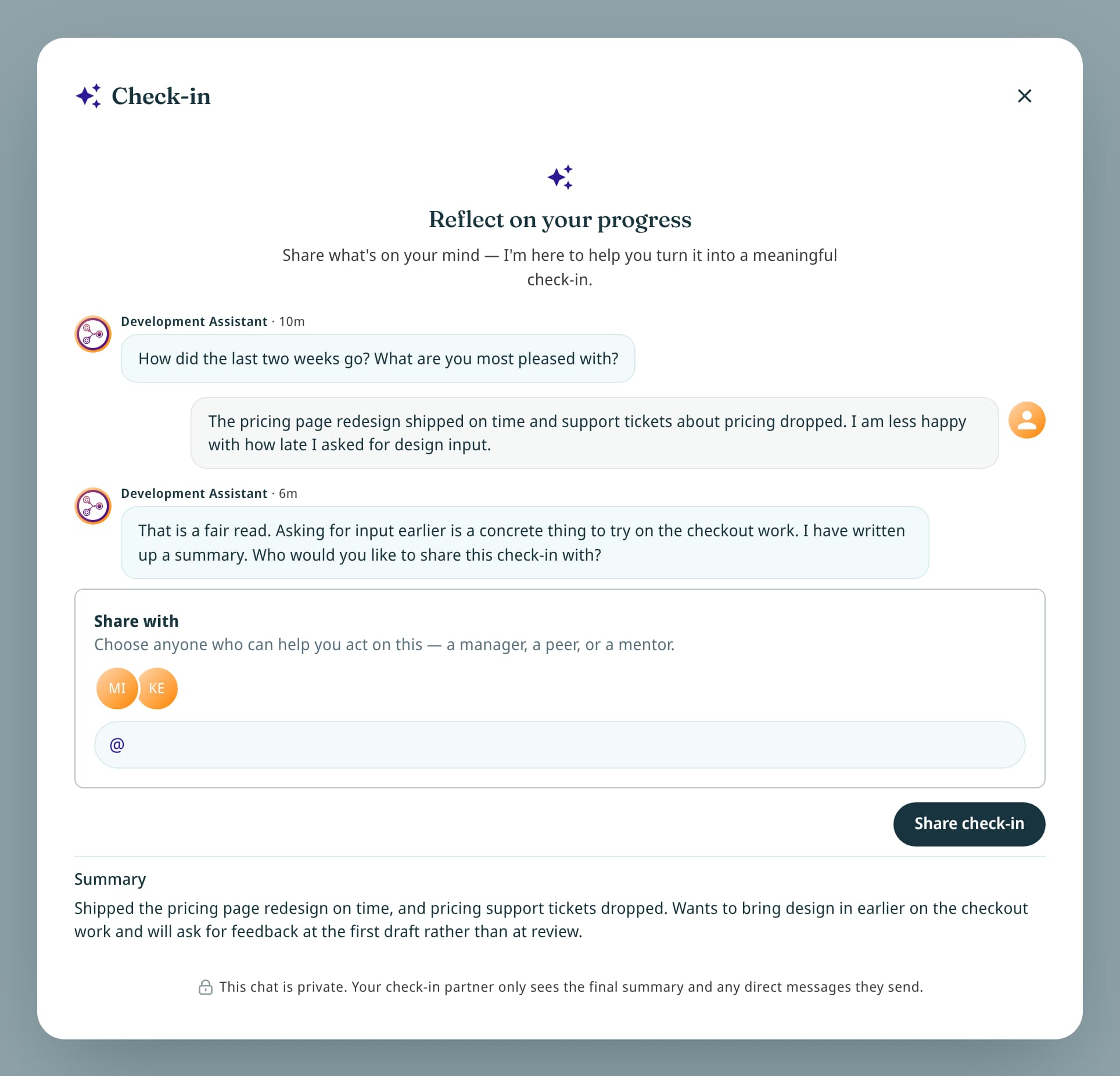
Share a finished check-in
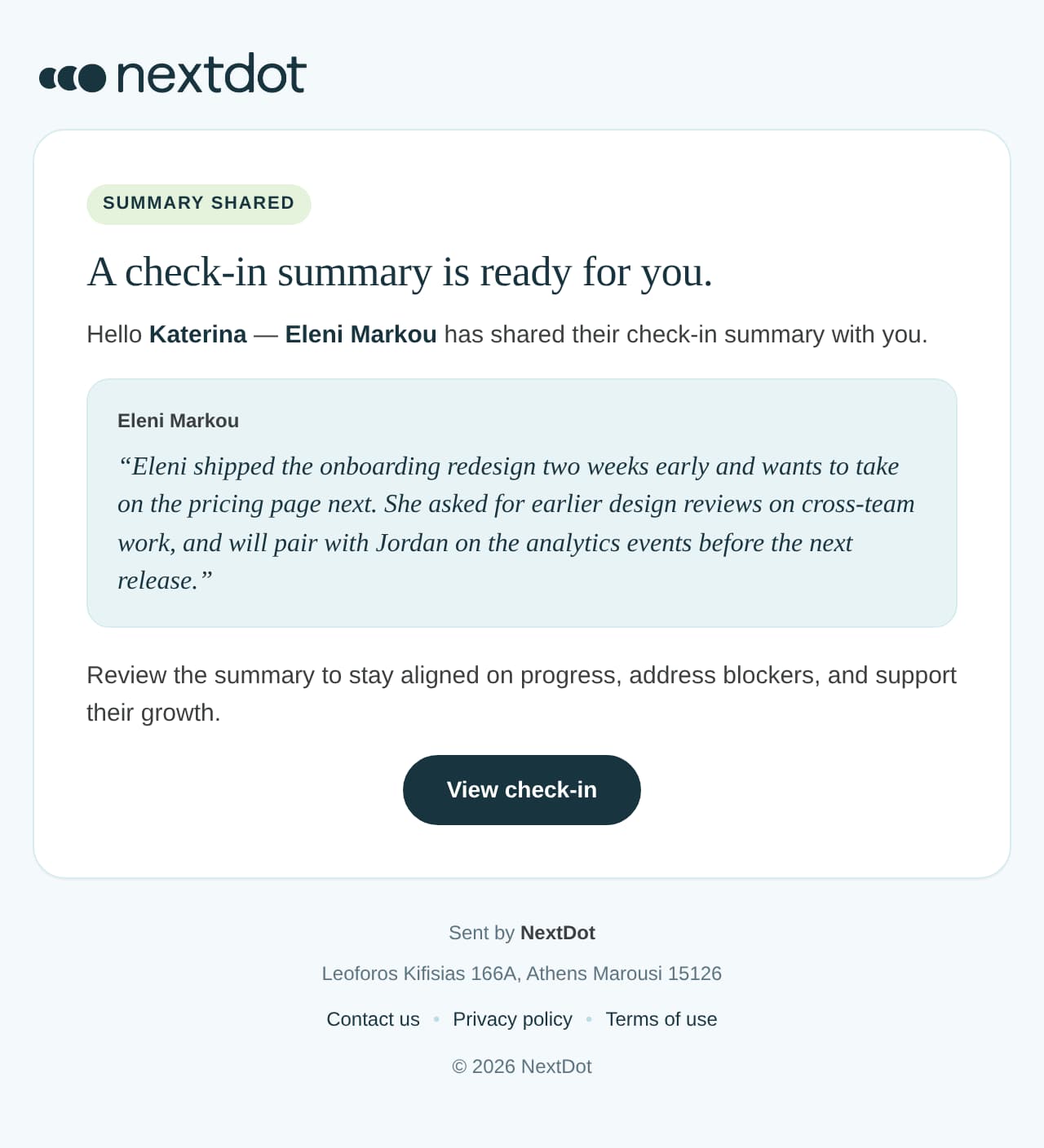
When a check-in is complete, choose who to share its summary with. Only the people you pick can read it, and each of them gets it by email.