What's new
Dots with more than one owner
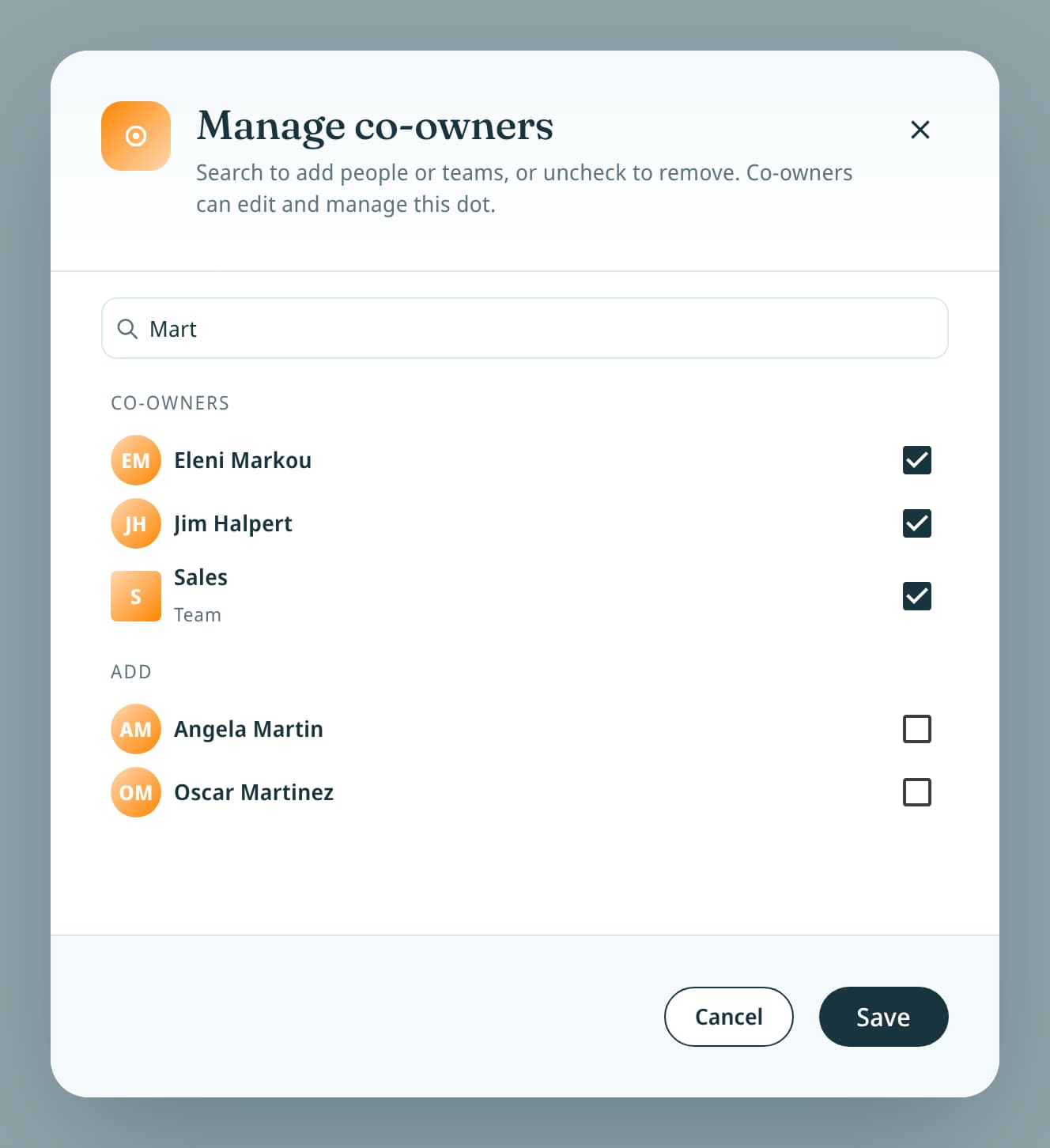
Shared work now has shared owners: add colleagues or whole teams as co-owners of a dot, and the work and its feedback count for every one of them.

One dot, several owners
- Add people or teams as co-owners when you create a dotDot: Work worth talking about — time-bound, owned by whoever's doing it, open for conversation while it happens. or later, remove them, or leave a dot you no longer own. Co-owners can edit and manage the dot.
- One dot keeps one conversation for the shared work, instead of a copy per person.
- Goals read from co-owned dots, so shared work counts toward every owner's goals.
- Dot cards show the owners together, and suggested dots can come with their co-owners.
Told when you're added
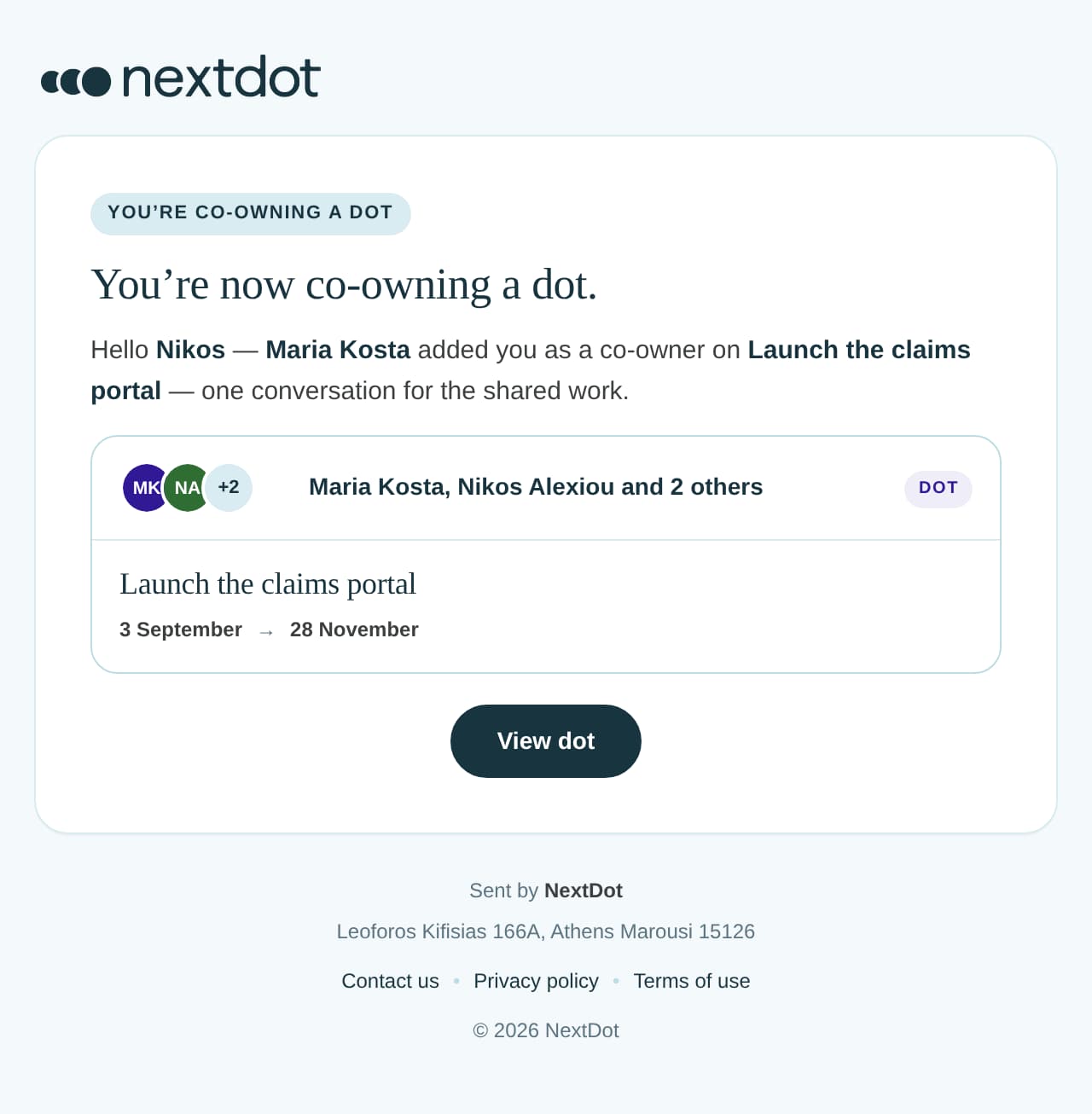
A colleague added as a co-owner gets an email with the dot and a link to it. The person who added them is not notified of their own change.
And a few more
- Comment emails now name the dot in their subject, and call a comment a comment.